


Partner tools
Visit KickKcip
Grow creator campaigns with KickKcip
Services and tools built for creator-focused campaigns.
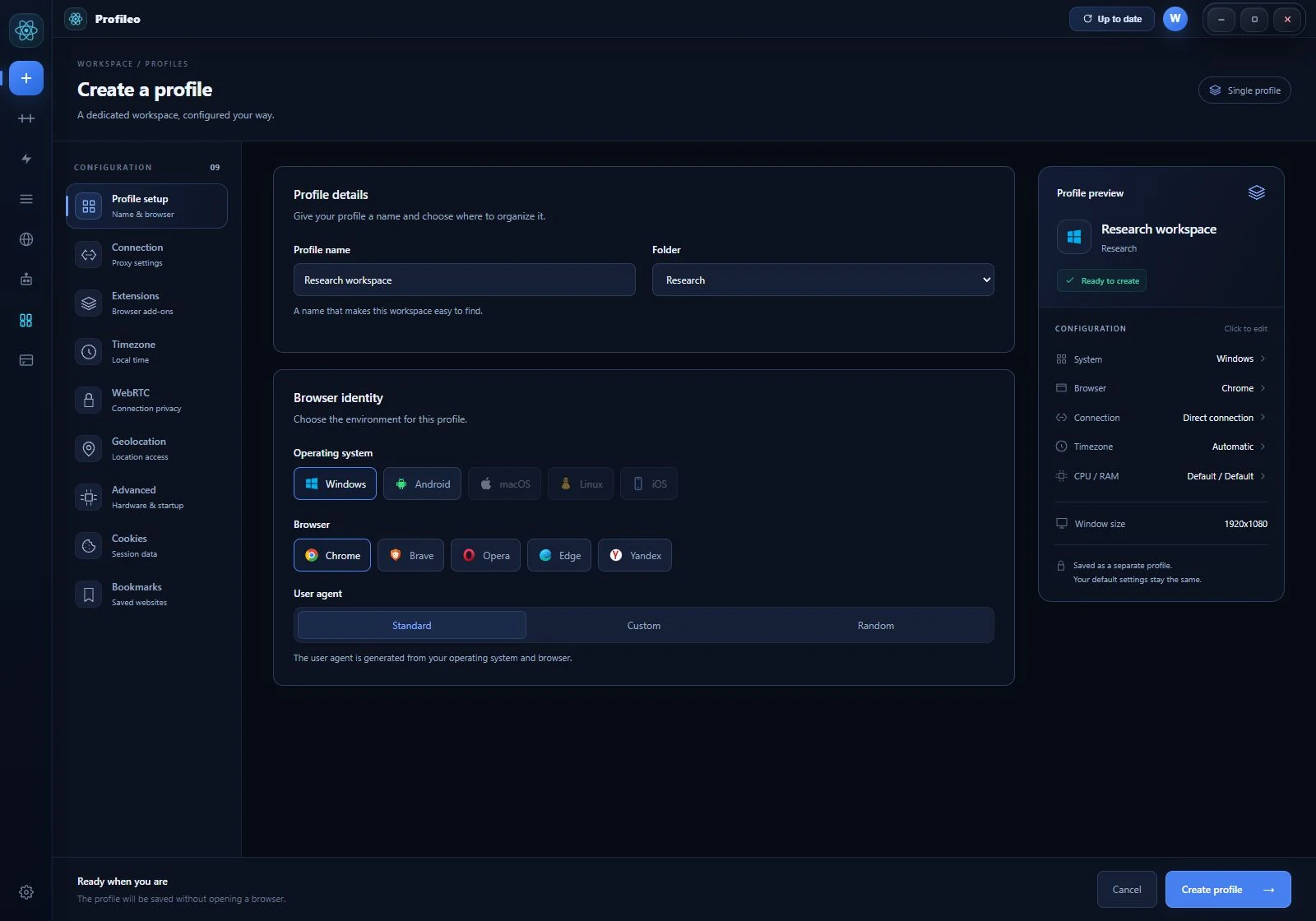
Keep authorized accounts in separate browser profiles. Configure fingerprints and proxies, organize workspaces, and return to the right session in Profileo for Windows.

Works with all major platforms
Services and tools built for creator-focused campaigns.
Understand the tools, configure one profile, and verify your setup.
Separate sessions and organize client or store workspaces.
Explore the workflow →Install the public release and create your account.
Open the setup guide →Learn what browser signals and profile controls can change.
Read the explanation →Profileo provides a complete toolkit for managing multiple browser profiles with advanced anti-detection technology.
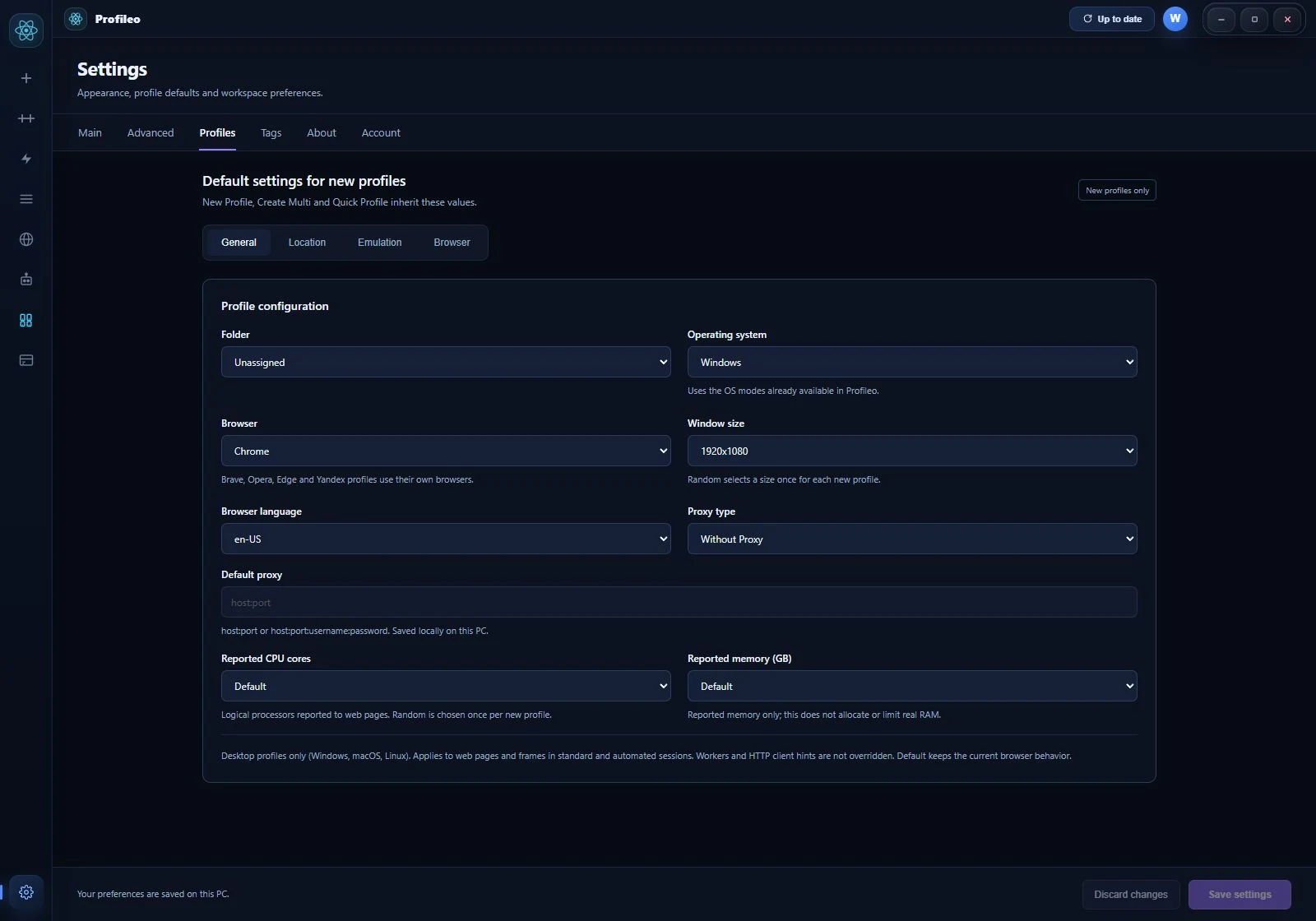
Configure Canvas, WebGL, Audio and ClientRects separately for each profile. Review and test your settings for a consistent browsing environment.
Built-in proxy management supporting HTTP, SOCKS4, and SOCKS5 protocols. Assign different proxies to each profile for maximum anonymity.
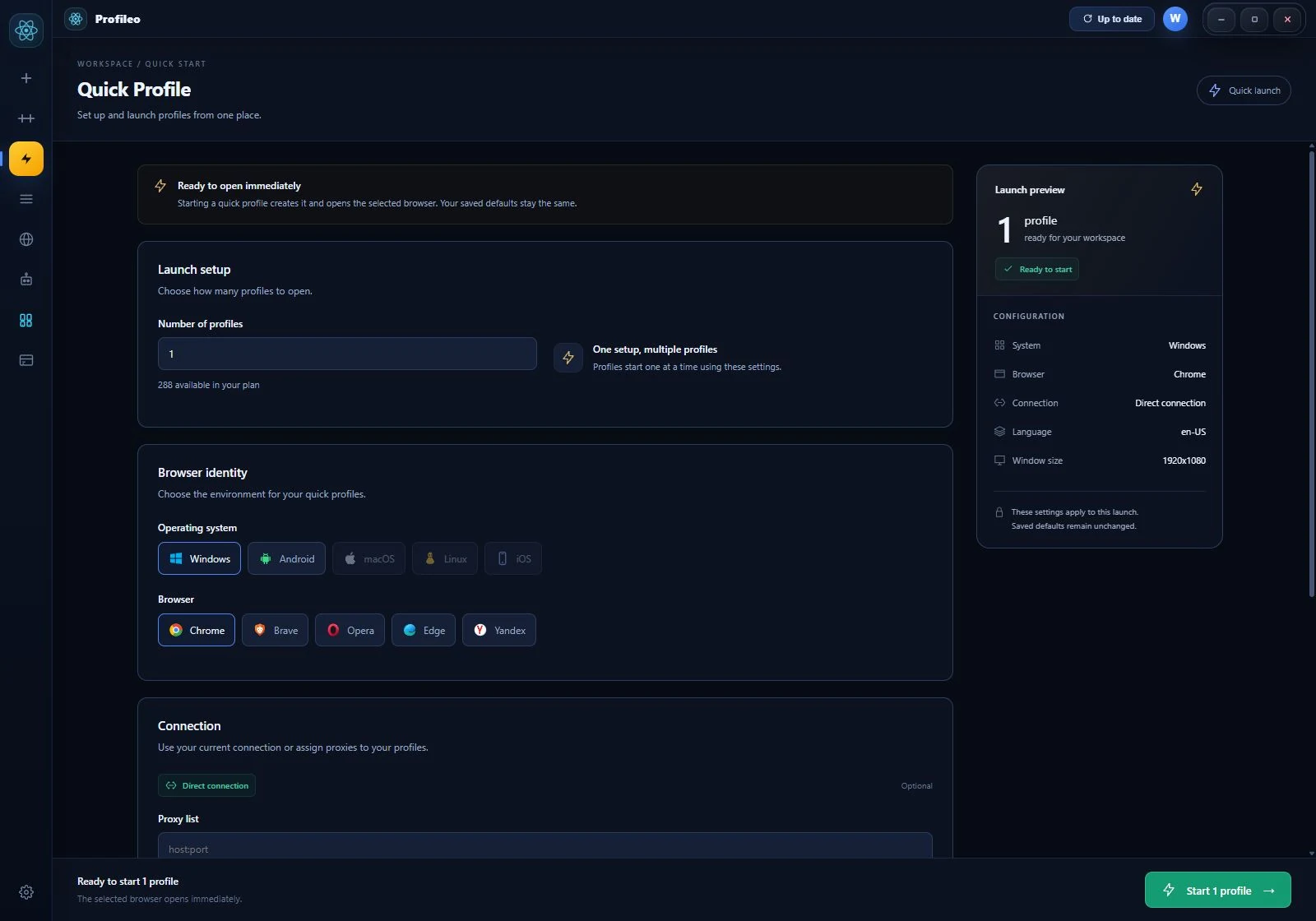
Launch profiles with Chrome, Brave, Edge, Opera, or Yandex. Switch between browsers while keeping your fingerprint consistent.
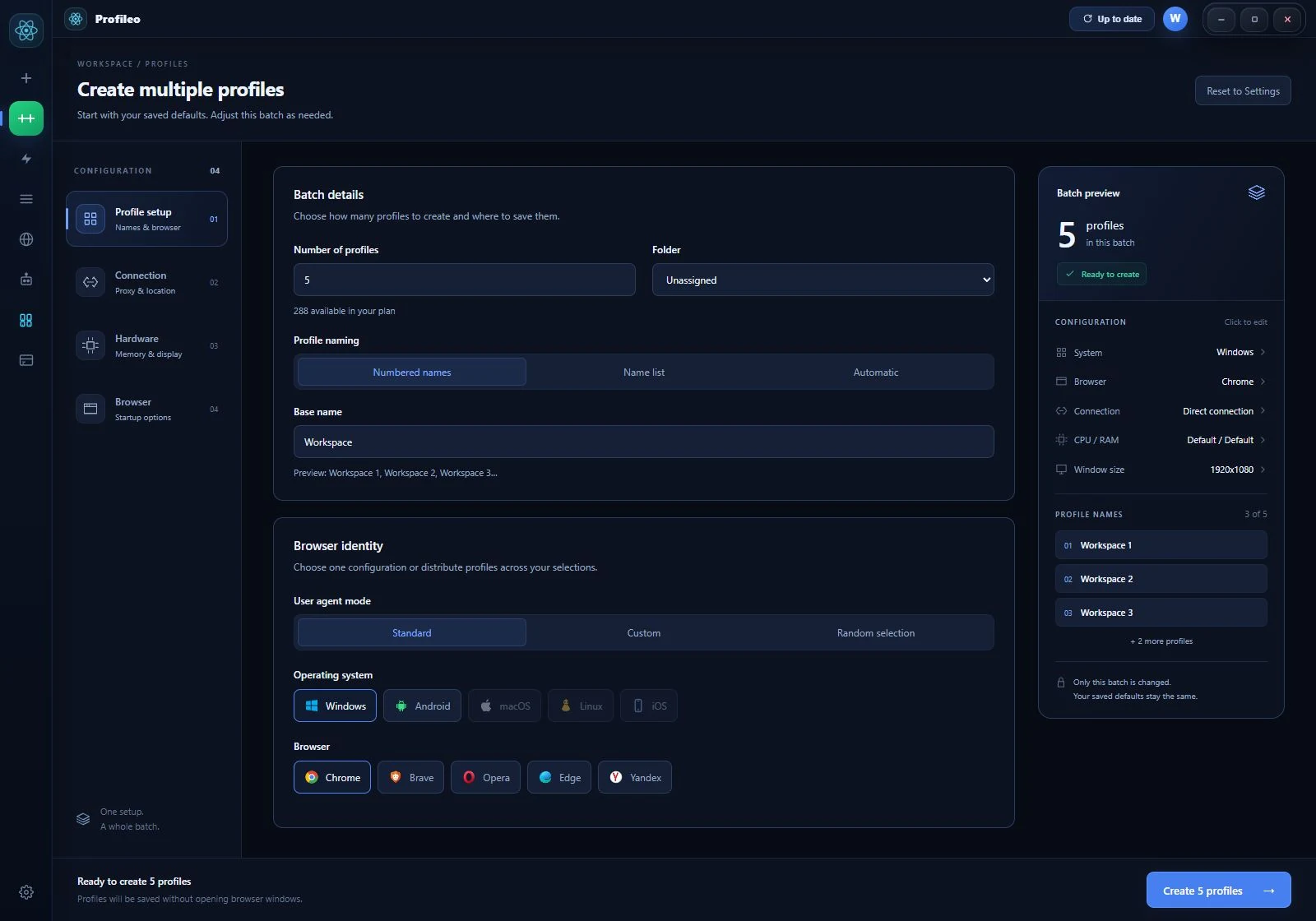
Create dozens of profiles at once with customizable templates. Set naming patterns, OS types, and browser preferences in bulk.
Control WebRTC leak protection per profile. Choose between disabled, fake, or real modes to match your proxy configuration.
Set custom latitude and longitude for each profile. Match your geolocation with your proxy location for consistent identity.
Built-in automation engine with 20+ ready-made scripts for popular platforms. Save hours of manual work with drag-and-drop automation.
Choose the plan that fits your needs. All plans include core features. Pay with crypto via NOWPayments.
Profileo is a desktop application that lets you create and manage multiple browser profiles, each with a unique digital fingerprint. It's designed for professionals who need to manage multiple online accounts safely.
Each browser profile gets a unique set of browser parameters — Canvas fingerprint, WebGL renderer, Audio context, screen resolution, timezone, language, and more. Websites see each profile as a completely different device and user.
Profileo supports Chrome, Brave, Edge, Opera, and Yandex. You can choose a different browser for each profile while maintaining consistent fingerprint emulation.
Profileo is currently available for Windows 10 and Windows 11. macOS and Linux versions are planned for future releases.
We accept cryptocurrency payments via NOWPayments. You can pay with BTC, USDT, ETH, and 350+ other cryptocurrencies. Payment is confirmed automatically and your plan activates instantly.
Yes! Profileo has a built-in proxy manager that supports HTTP, SOCKS4, and SOCKS5 proxies. You can assign different proxies to each profile and manage them from a central dashboard.
You can download and explore the app for free. To create and manage profiles, you'll need to subscribe to one of our plans starting at just $5/month.
Profileo includes ready-made scripts and a visual builder for custom browser workflows. Select profiles, configure script parameters and monitor each run. Explore multi-browser automation or follow the visual workflow guide.
Create a browser workspace that fits the way you work.
Download Profileo for Windows